PWA on Android and iOS
Add BangaWin to your home screen through a supported browser and open it like an app.
BangaWin app for Android and iOS
BangaWin runs as a PWA on Android and iOS. Add it to your home screen from a supported browser and play pokies, live casino and sports in AUD.
Add BangaWin to your home screen
What the PWA gives you
PWA on Android and iOS
Add BangaWin to your home screen through a supported browser and open it like an app.
Instant deposits
Deposits by supported cards, Skrill, Neteller, PayID and POLi are instant, from $10.
Account protection
Email verification and password protection secure your account, with extra identity checks where required.
BangaWin on your home screen
BangaWin runs as a PWA on Android and iOS. Add it to your home screen from a supported browser and play pokies, live casino and sports in AUD.
Get mobile access Players must be 18+. Gambling can become addictive, and bonus terms apply to every offer.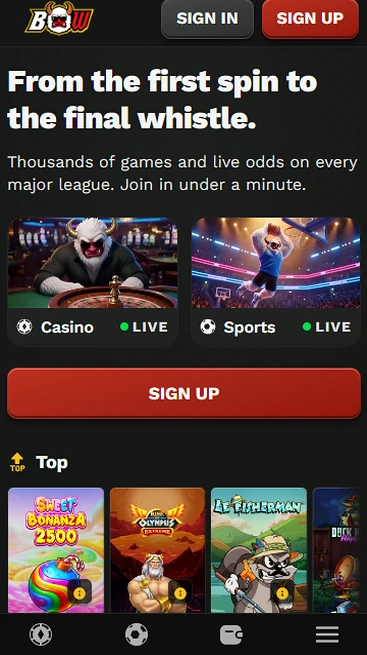
Device details
Android
iOS
App facts to know
Pros
Cons
Stay safe on mobile
What you should do
What you should avoid
The BangaWin app is a PWA that opens your existing account, protected by email verification and password protection, with extra identity checks where required. It is added from a supported browser, not installed from a store.
Your email address and password protect the account, and the same protection applies whether you play in a browser tab or from the home screen icon. Use a password you do not use anywhere else.
Before a withdrawal we may ask for identity, address and payment ownership documents, and review usually takes 24 to 72 hours. An Australian driver’s licence or passport covers identity, and a utility bill or bank statement covers address.
BangaWin is a PWA, so installation means adding a shortcut from a supported browser rather than downloading from a store. The steps differ slightly between Android and iOS.
Open BangaWin in your browser, open the browser menu and choose Add to Home Screen. Confirm the shortcut and the BangaWin icon appears alongside your other apps.
Open BangaWin in a supported browser, open the share menu and choose Add to Home Screen. Confirm the name and the icon appears on your home screen.
There is no store listing to search for, so the PWA shortcut is the install route on both platforms. It opens the same BangaWin site in its own window.
BangaWin works in the browser on Android, iOS and desktop, and the PWA is added through a supported mobile browser. No minimum OS version is published, so a current browser is the practical requirement.
Android phones use a supported browser to add the shortcut, with no minimum Android version published.
iPhones and iPads use a supported browser to add the shortcut, with no minimum iOS version published.
| Platform | Access | Installation | Store listing |
|---|---|---|---|
| Android | Browser or PWA | Add to Home Screen | None |
| iOS | Browser or PWA | Add to Home Screen | None |
| Desktop | Web browser | Not needed | None |
The PWA gives you the same BangaWin account as the website, with an English interface and an AUD balance.
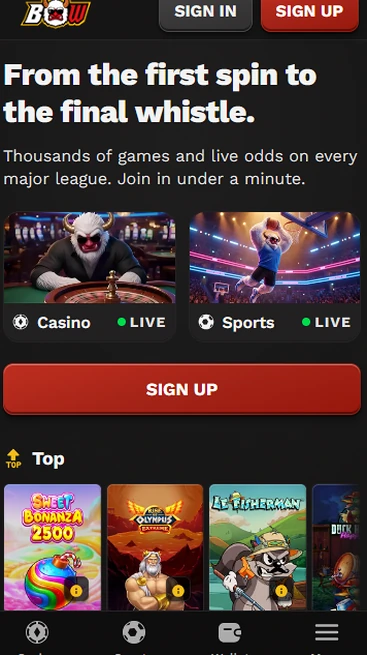
You get the pokies, live casino, sportsbook and cashier in one place, plus access to live chat support and responsible gambling tools.
The content is the same. The difference is how you open it: a home screen icon in its own window instead of a browser tab. Desktop players use the web browser.
You create one account and use it on every device, and you must be 18+ to register.
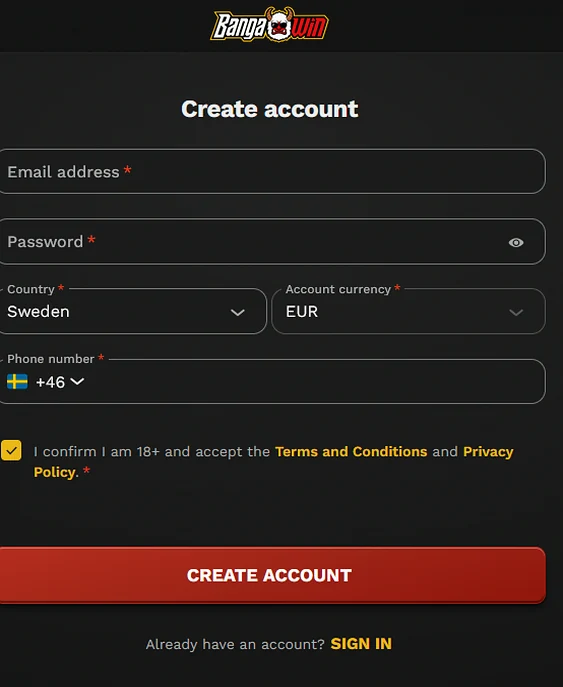
Register with an email address, a password, your country and a phone number, choose the account currency (AUD for Australian players), and confirm you are 18+ and accept the Terms and Conditions and Privacy Policy.
Open the PWA icon, or the website in your mobile browser, and enter the same email and password you registered with.
The phone version carries the same catalogue as the desktop site, with pokies, live dealer tables and crash games.
Pokies from Pragmatic Play, Hacksaw Gaming, Play’n GO and NetEnt run on the phone, including Sweet Bonanza, Book of Dead and Starburst.

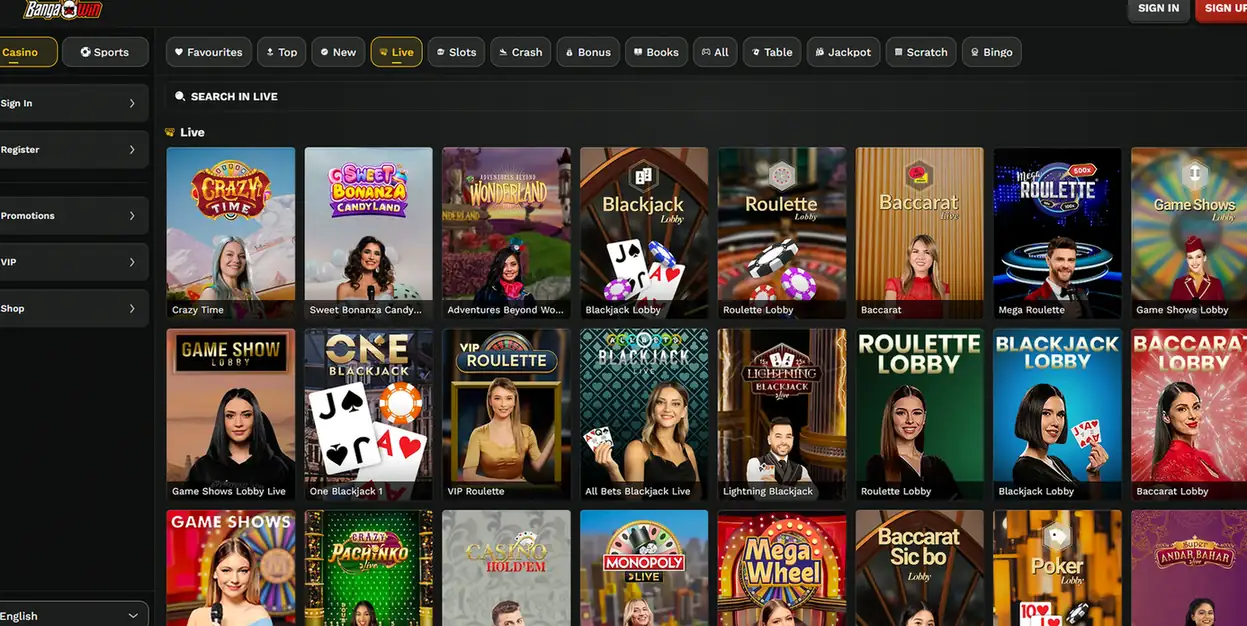
Evolution Gaming tables such as Lightning Roulette, Crazy Time and Monopoly Live are available, with more live tables from Ezugi, Playtech Live and Vivo Gaming.
Aviator from Spribe and Mines from Turbo Games suit short sessions on a phone.
The cashier on your phone supports PayID, POLi, BPAY, Visa, Mastercard, Skrill, Neteller, bank transfer and cryptocurrency in AUD.
Local methods PayID, POLi and BPAY sit alongside cards and e-wallets. Minimum deposits start at $10 for most methods and $20 for BPAY and cryptocurrency.
| Method | Deposit | Withdrawal |
|---|---|---|
| Skrill and Neteller | Instant | Typically within 24 hours after approval |
| Visa and Mastercard | Instant | 1 to 5 business days |
| PayID, POLi and BPAY | Instant | Shown in the cashier |
| Bank transfer | 1 to 3 business days | 1 to 5 business days |
Withdrawals are processed to the original deposit method where supported, subject to identity verification. We may ask for a bank statement, card statement or e-wallet confirmation to confirm payment ownership.
The welcome package of up to $3,200 plus 400 free spins can be claimed from your phone. 18+ only. See the full bonus terms before you deposit.
Select an eligible offer and make the qualifying deposit in the cashier, the same as on the desktop site.
Support is staffed 24/7 in English, which covers AEST, AEDT and the rest of Australia’s time zones.
Use live chat, or write to [email protected]. Account, payment and compliance issues are escalated through customer support.
Deposit limits, loss limits, session reminders, cooling-off periods and self-exclusion are available. Players who want outside support can contact Gambling Help Online.
App questions
Android and iOS phones can run it through a supported browser. No minimum Android or iOS version is published, so keep your browser up to date.
No. BangaWin is a PWA that you add to the home screen from a supported browser, and no store listing is required.
As a PWA it opens the current version of the website, so there is no manual update to download from a store.
Add BangaWin to your phone
Claim 125% up to $1,250 plus 300 free spins on your first deposit. 18+, terms apply.
Open an account Players must be 18+. Gambling can become addictive, and bonus terms apply to every offer.